

Stretch every home working dollar further with flexible spending and less admin.
Plug in your numbers to learn what an LSA could save your remote work benefits program.

Total employees
Stipend contribution per employee per month
The median benchmark for broad LSA contributions is $100 per employee per month
Potential annual savings
$0
Adjust the values on the left to estimate the potential savings of an LSA.
Get the full cost & savings breakdown
Access a detailed breakdown of payroll tax, forfeiture savings, LSA costs, and ROI.
Payroll
LSA
Stipend budget (annual)
$0
$0
Expected spend
Typical LSA utilization is ~80%
$0
$0
Unused funds
Unused LSA funds returned to the employer
-
$0
Payroll taxes (8%)
No payroll tax on unused LSA funds.
$0
$0
Unused funds tax savings
-
$0
Platform fees
Cost of LSA vendor ($2.40 PEPM). Pricing varies. Request a pricing proposal for details.
-
$0
Total annual cost
$0
$0
Net savings
Compared to payroll
-
$0
ROI of LSA
Return on each $1 spent on LSA platform fees
-
0x
Make your benefits budget go further with an LSA
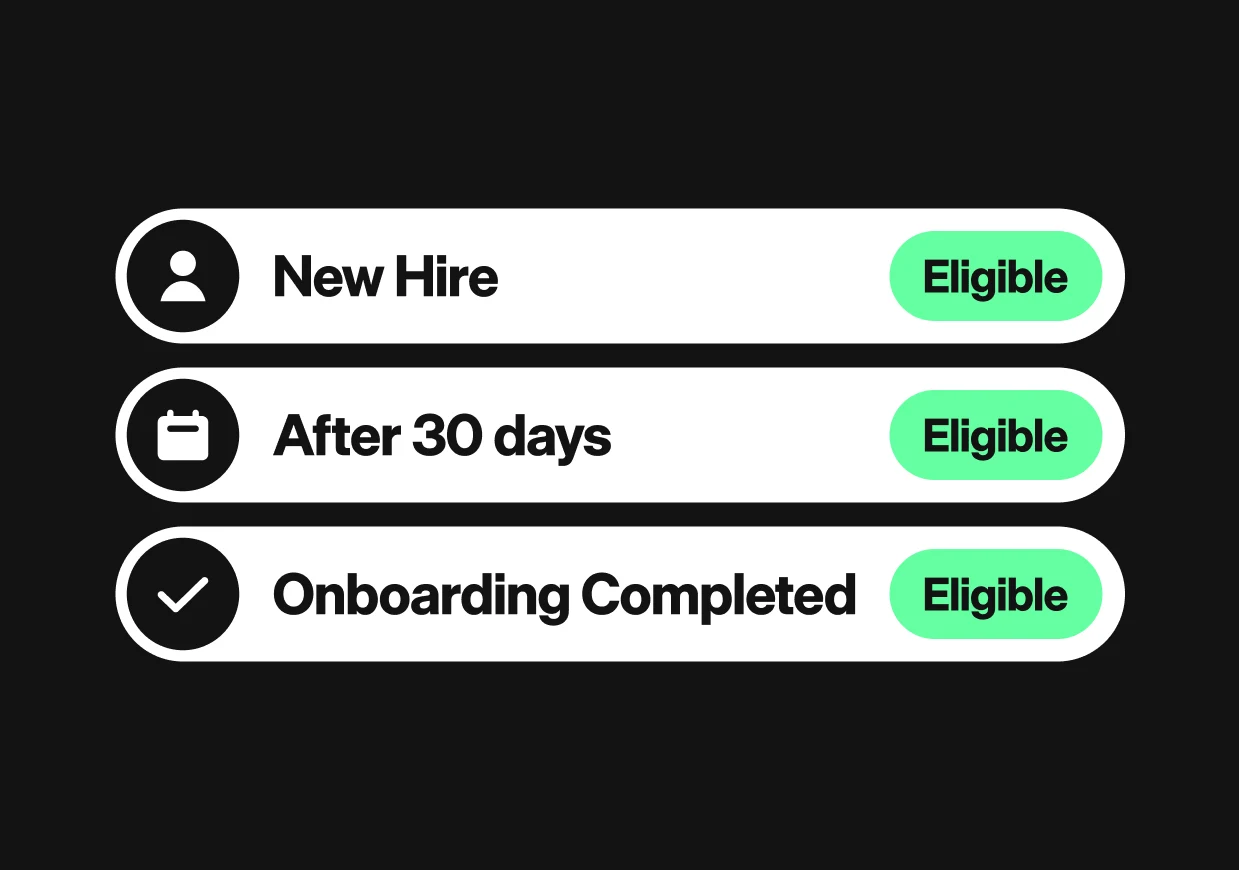
Review my results with an expertAutomate access to Work from Home funds based on employee eligibility, start dates, or required actions.
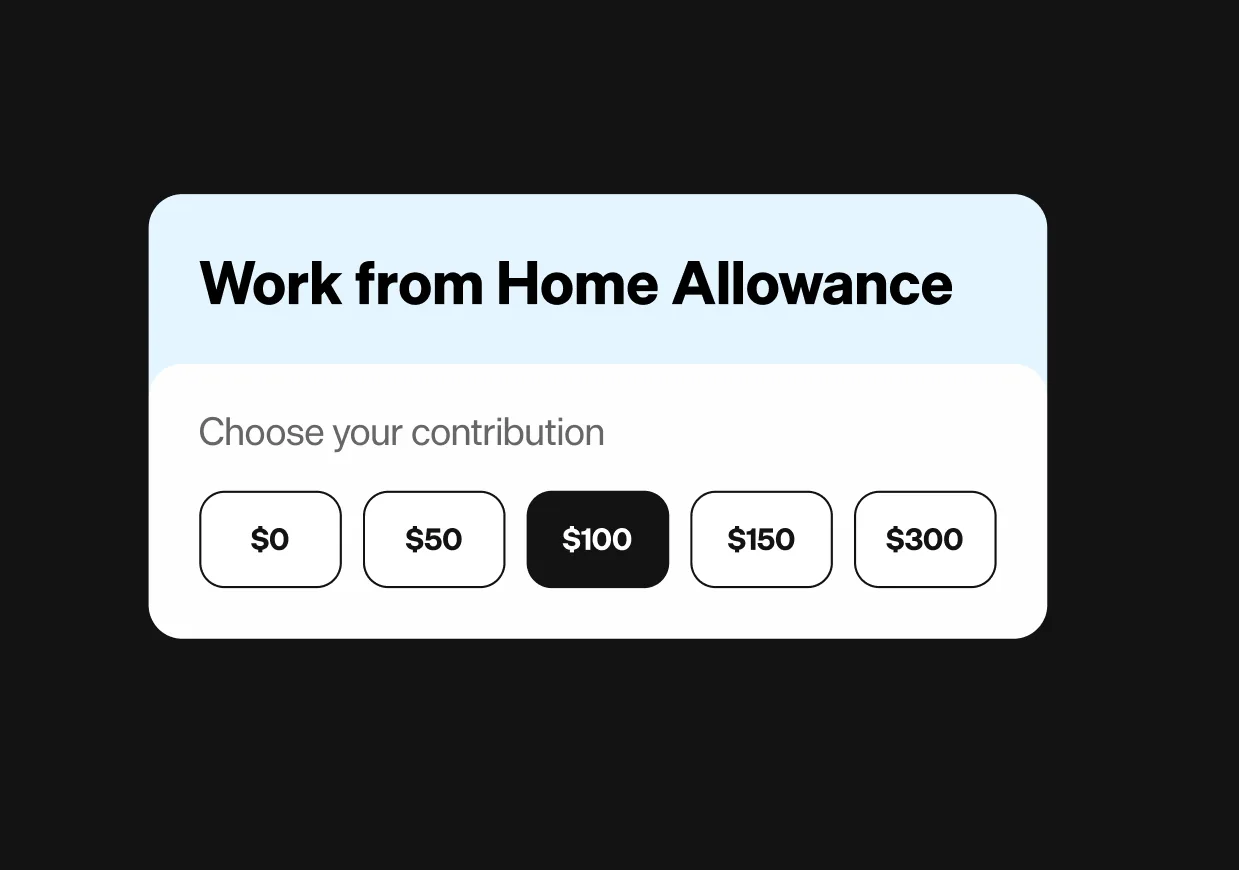
Create one-time home office setup allowances or recurring benefits, with budgets and eligibility rules tailored to your workforce.
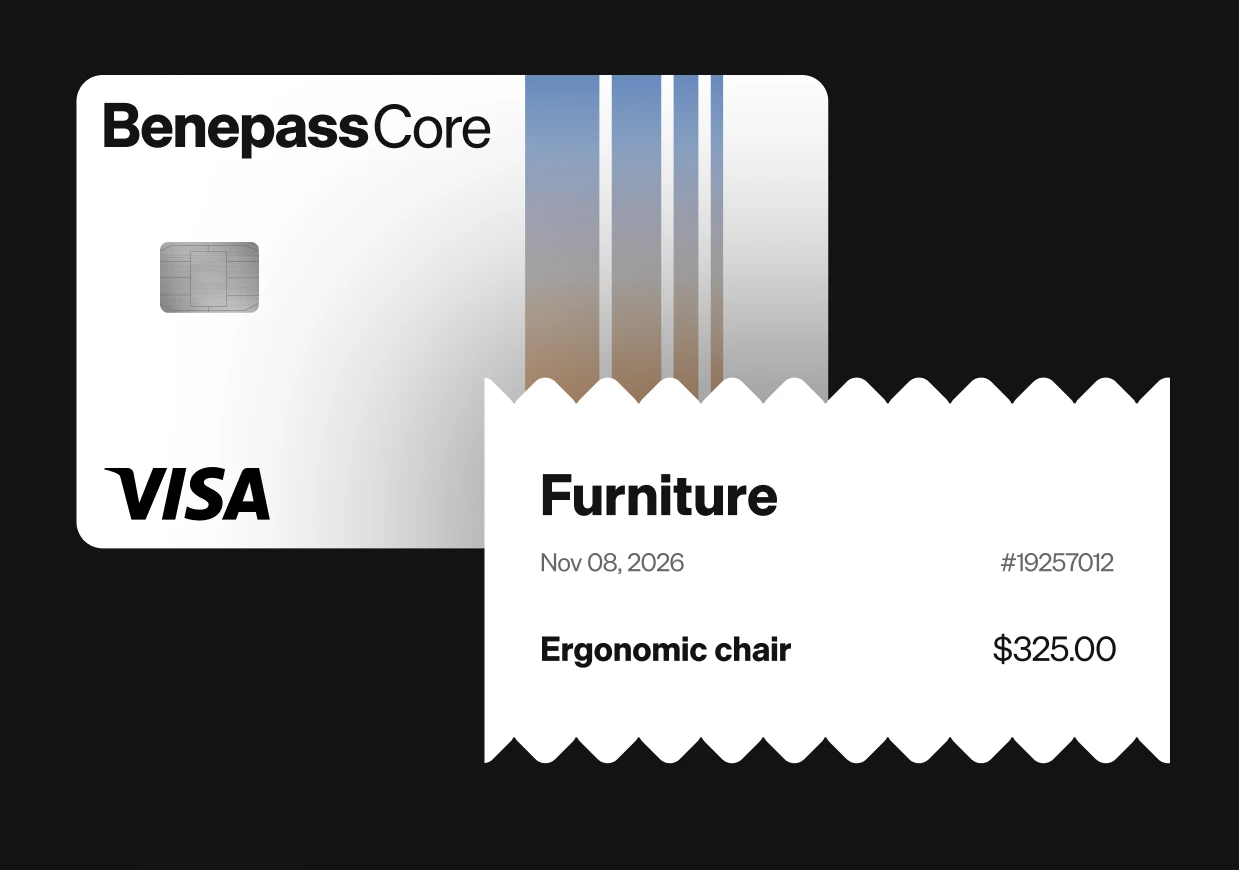
Automate funding for home office purchases made with the Benepass card or through reimbursements.
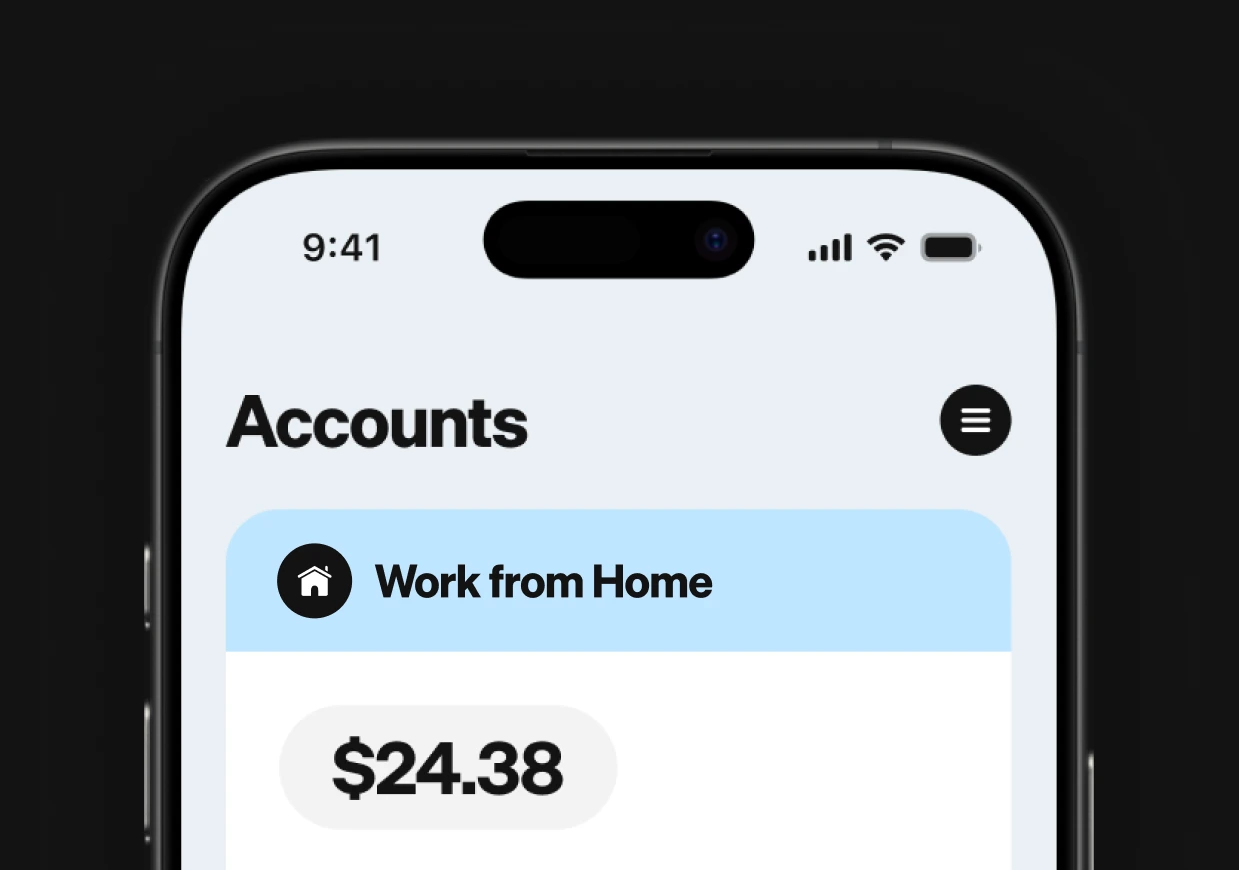
Give employees one place to access their Work from Home allowance and spend on approved equipment and services.
Track home office spending by category and monitor program performance in real time.


Help employees create a comfortable, productive workspace with an allowance for eligible furniture, monitors, office supplies, and other home office essentials.

Set spending limits and restrict purchases to approved merchants or expense categories. Benepass automatically checks eligibility at the point of purchase, helping employees spend confidently while keeping your home working budget on track.

Let employees pay directly for eligible purchases using their Benepass Visa card, with Apple Pay and Google Pay support. Reduce reimbursement requests while keeping spending within your program rules.
From wellness and food to family support and professional development, build flexible benefits around what matters to your people.

One flexible account for wellness, learning, family support, food, and more.

Support fitness, mental wellness, nutrition, and the ways employees choose to stay well.

Help employees create productive workspaces with furniture, equipment, supplies, and more.

Fund courses, certifications, conferences, books, coaching, and other opportunities to grow.

Celebrate great work, milestones, and meaningful moments with flexible funds.

Go beyond pre-tax transit and parking with support for gas, tolls, rideshare, bikes, scooters, and other ways employees get around.

Give employees flexible support for groceries, meals, restaurants, and food delivery.

Help cover mobile phone and home internet expenses that keep employees connected.

Support employees through childcare, caregiving, parental needs, and other family expenses.
Employers decide which expenses are eligible under their Work from Home LSA. Common options include ergonomic chairs, desks, monitors, office supplies, and other home office equipment. Programs can also cover recurring costs such as internet service, mobile phone bills, and coworking spaces.
Yes. Benepass supports different funding schedules, so employers can provide a one-time allowance for new hires alongside recurring contributions for ongoing remote-work expenses. You can configure separate accounts or combine eligible expenses within a broader program.
Yes. Employees can use their Benepass Visa card to pay directly for eligible purchases at supported merchants. If it's not possible to use the card for a purchase, employees can submit a reimbursement claim through Benepass, subject to their employer's policy.
Yes. Benepass supports benefits programs in 100+ countries, making it possible to offer Work from Home allowances to distributed teams. Employers can configure spending policies to accommodate different workforce needs and locations.